RigFlow version 2.9
November 2025
This document covers the release of software updates for RigFlow. This release primarily introduces major features. The new features are outlined in the detailed release notes section.
Wellcom Project Planner
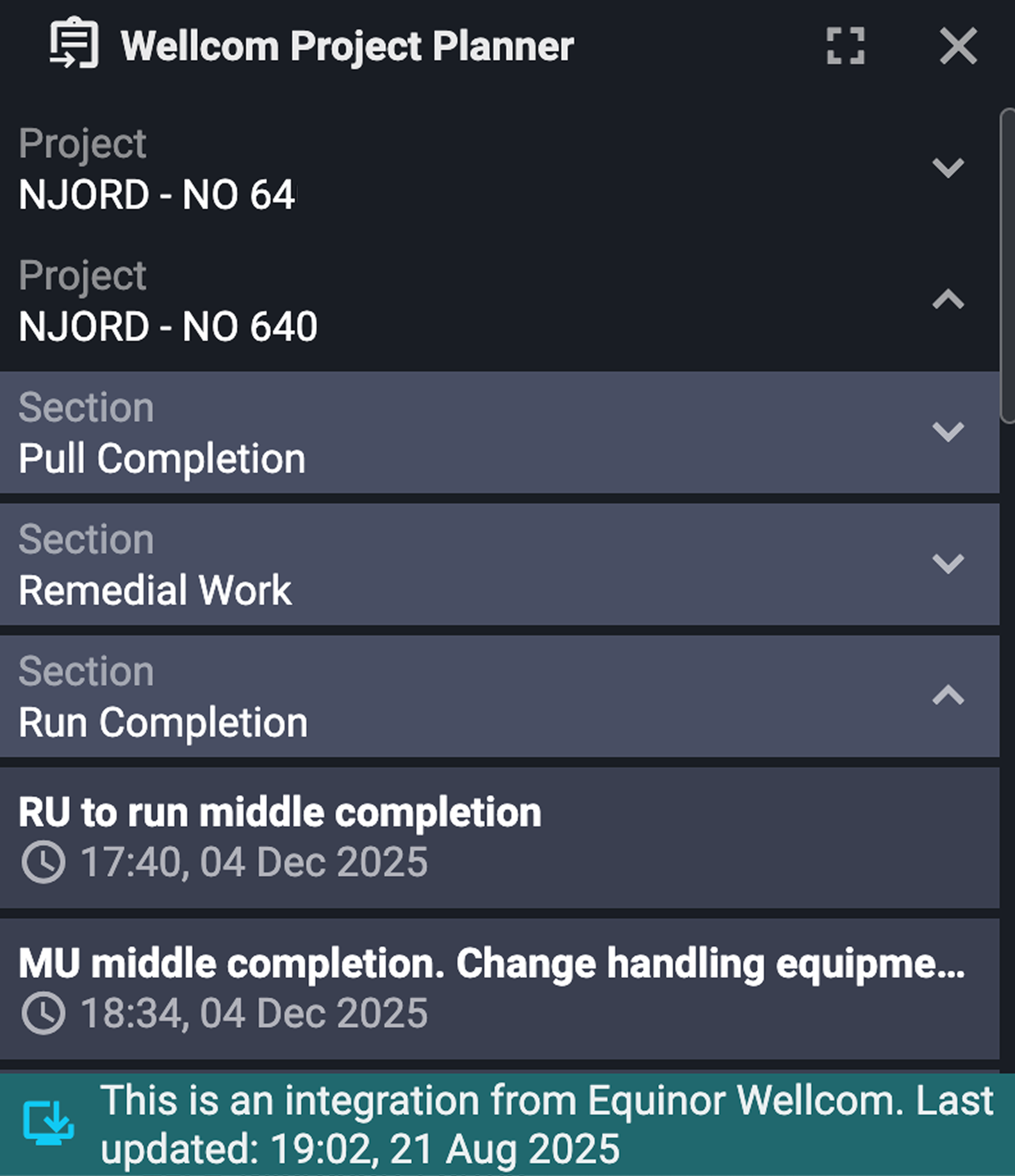
The Wellcom Project Planner, developed for Equinor users, provides a read-only, forward-looking view of upcoming operational plans sourced directly from Equinor’s Wellcom system.
Users on Equinor rigs can now view detailed task breakdowns, including planned start/end dates, duration, and project sections from within RigFlow. The feature automatically shows the most current project data with last sync timestamps.
You can learn more about it on Wellcom Project Planner.
Feature Renamed: Operation Overview (formerly Up Next)
The Up Next panel has been renamed to Operation Overview to better reflect its expanded functionality.
In addition to showing the current and upcoming operational steps, Operation Overview now also includes completed steps, making it easier to navigate back and review what has already been executed. This update improves clarity and provides a more complete view of operational flow—past, present, and future—all from a single interface.
You can learn more about it on Operation overview.
IPT iFrame
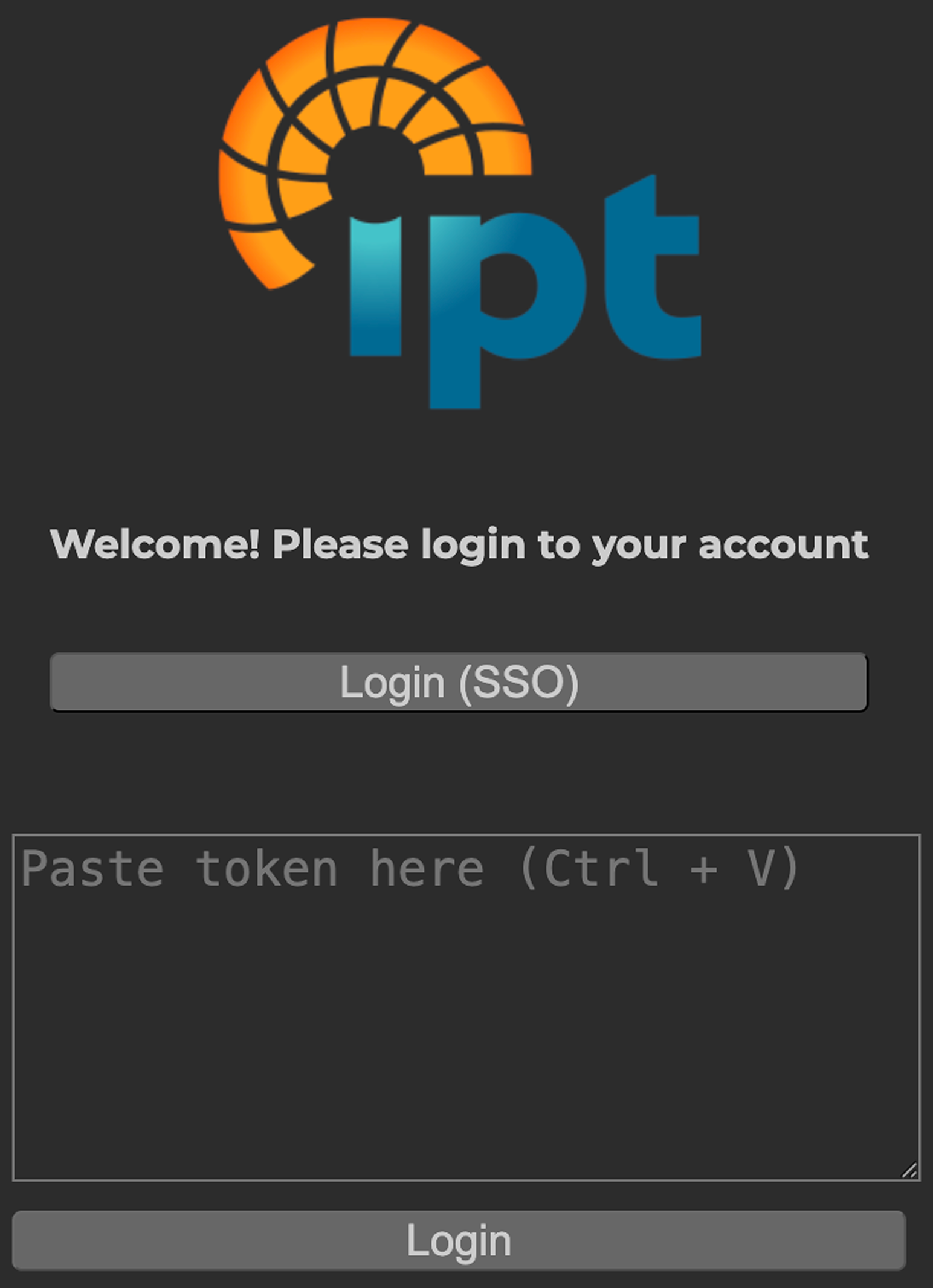
RigFlow now supports direct integration with IPT Global's SureView and SureTec platforms. Users can access live well integrity test data within RigFlow via the Right sidebar, enabling real-time monitoring without switching applications. Authentication is supported via SSO or access tokens.
You can learn more about it on IPT Global Well Integrity Assurance.
External generic role (GEN) support in RigFlow
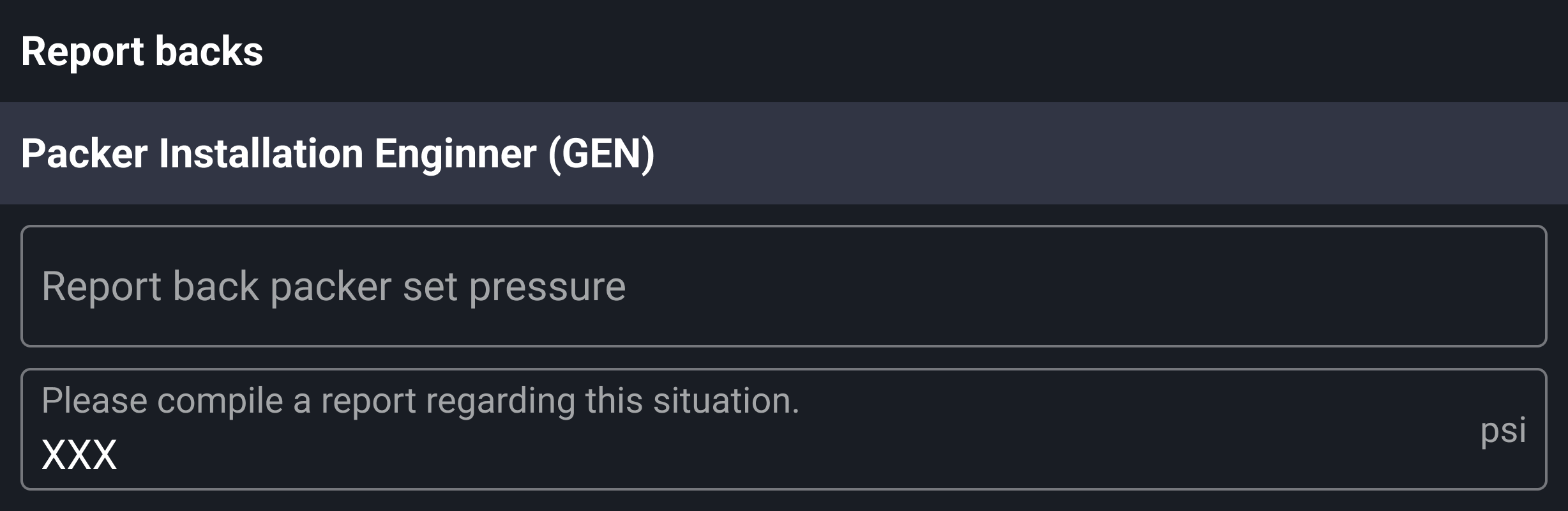
RigFlow now supports External Generic Role (GEN) assignments in Preparations, Parallel Activities, and Report Backs. When viewing a step that includes a GEN role:
Named roles: If a name was assigned during plan creation, items will be grouped under the heading "<name> (GEN)", making it easier to identify responsibilities across steps.
Unnamed roles: If no name was provided, items are grouped under "External generic role (GEN)".
Read more about it on Operation.
Previous plans widget
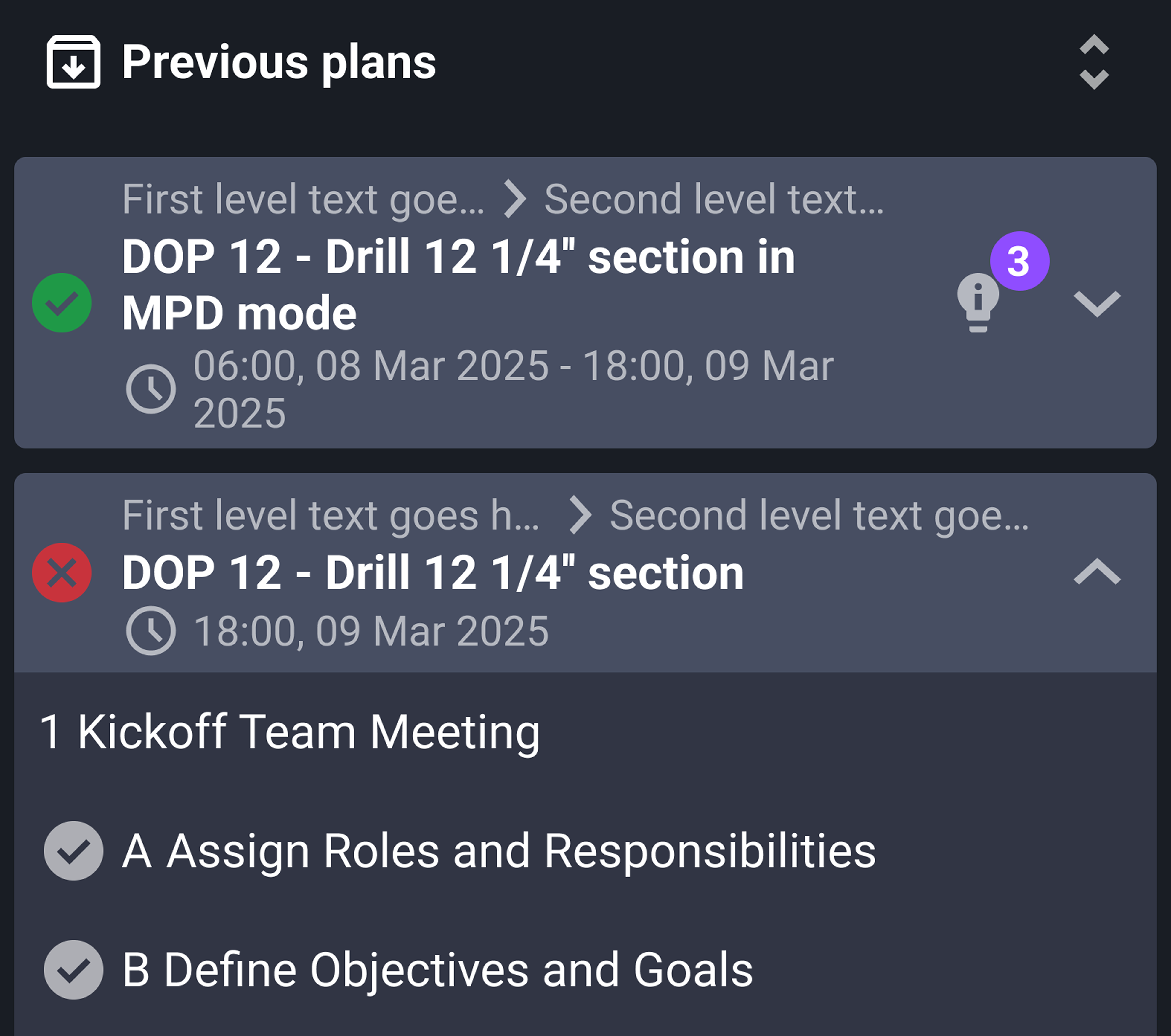
The Previous Plans widget is now available on Rig Page, offering quick access to the 10 most recently executed plans, including both completed and abandoned ones.
Read more about it on Rig Page widgets.
Bug fixes & performance improvements
Change log sync and display issues: RigFlow's Change log now auto-updates when a new revision is received from RigBridge. The yellow banner notification now appears correctly in RigFlow, and issues with false positives in change detection were resolved.
New revision info not opening from notifications: Users can now open revision notifications in RigFlow and be correctly navigated to the associated Change log, with the specific revision highlighted.
Missing pop-up notification for new plans: Pop-up notifications now appear in RigFlow when a new plan is published.
JPEG attachments missing from PDF exports: JPEG images attached in RigFlow are now correctly included in exported PDF files.
Incorrect step numbering in instructions: Step numbering in RigFlow now matches the expected sequence as displayed in RigBridge.
Change log entries out of order in revision notifications: Change log entries now display in correct chronological order when accessed via the Notifications tab.
Time discrepancy in Logistics app: Scheduled times in the logistics app now display correctly.