Completing steps or plans
Complete a step
Find the step or action you want to complete in the Global Action Bar.
Click the Complete button.
If required information is missing, a wizard window will open to guide you.

If all required information is provided, a 5-second countdown allows you to undo your action.
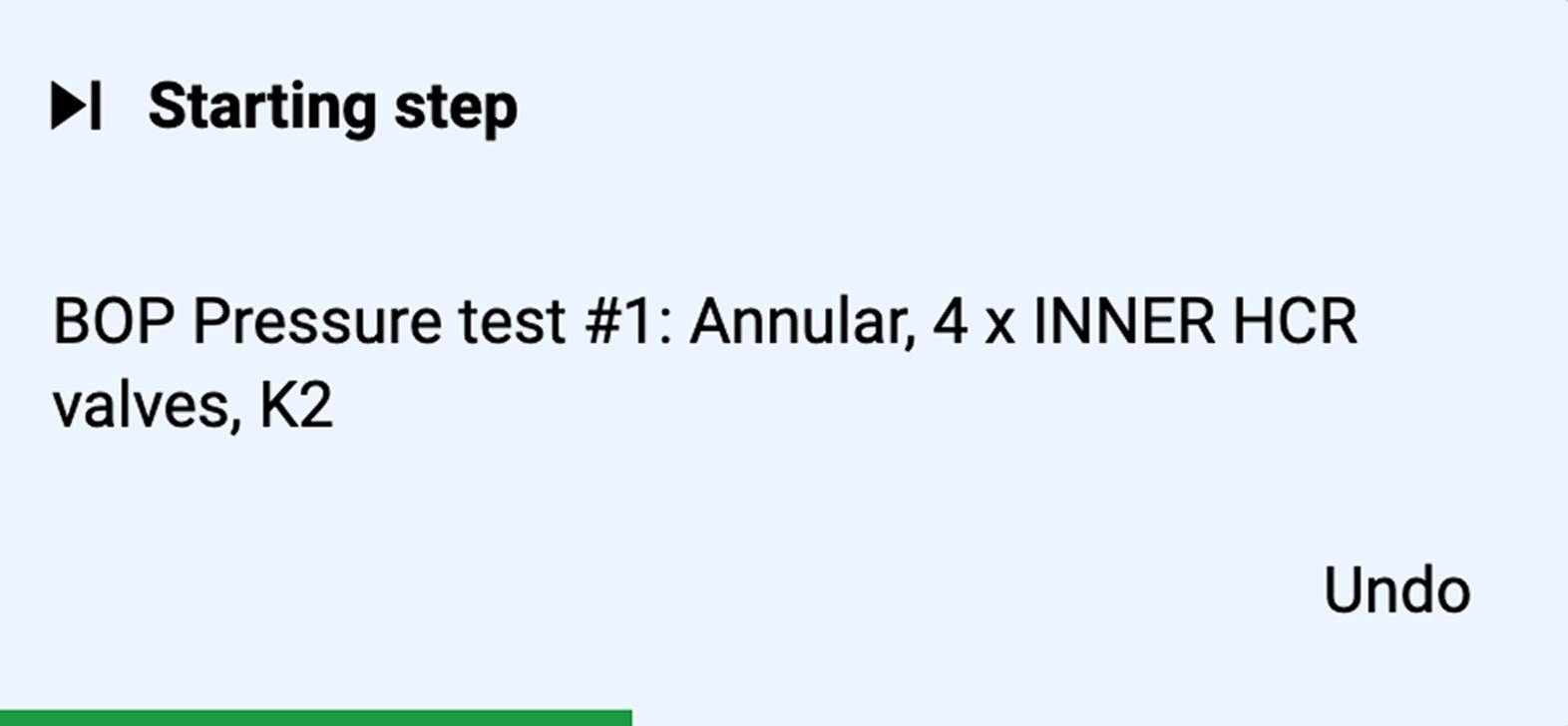
You will proceed to the next step in your plan.
Complete the final step
If you are at the final step in a plan, you will be shown a wizard or guide that tells you how to start the next plan.
Find the final step you want to complete in the Global Action Bar.
Click the Complete button.
If the required information is missing, a wizard window will open to guide you.
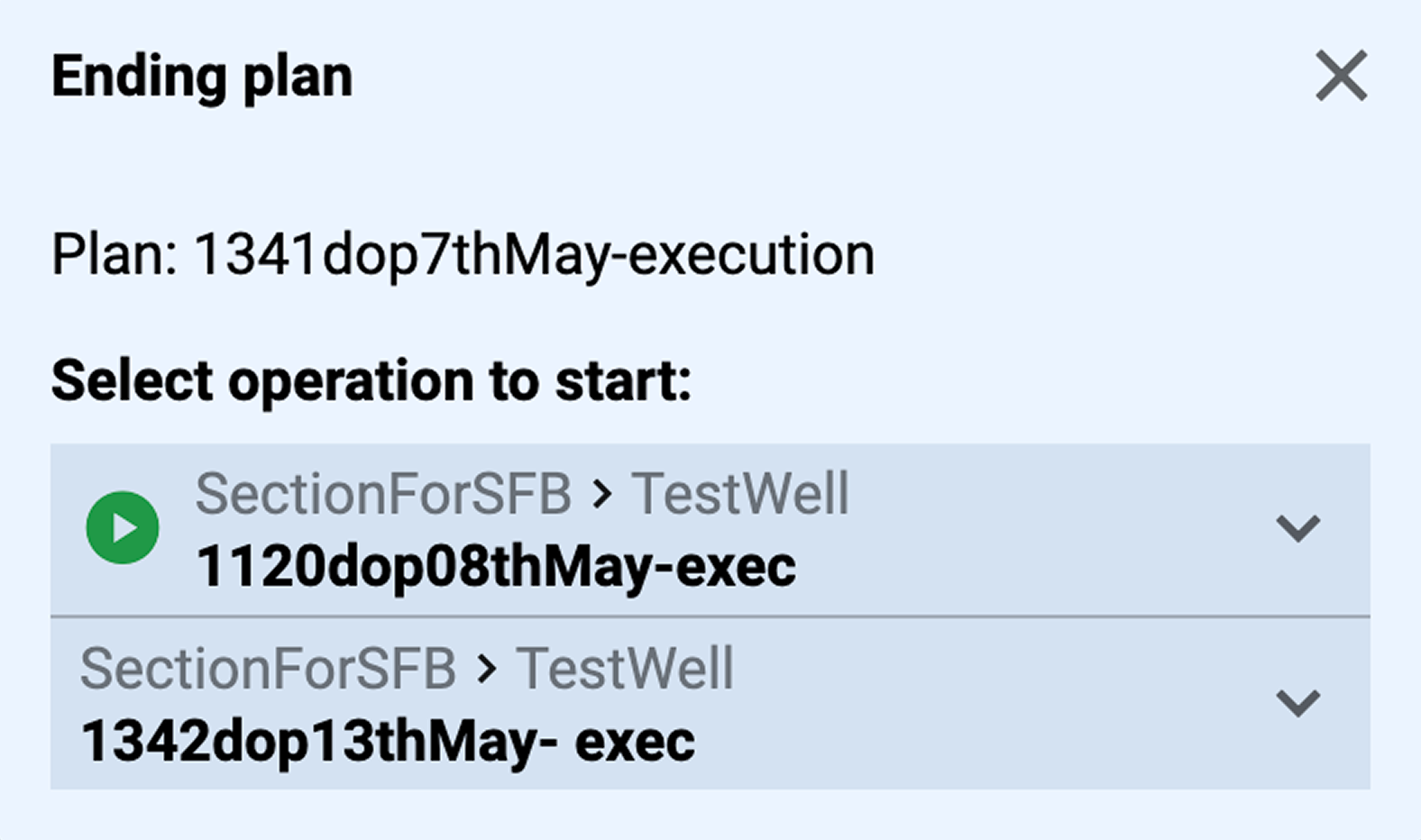
If all required information is provided, a guide will tell you what the next plan and step are.

After completing the guide, you will proceed to either the first step or the chosen step of the next plan.
Undo a complete step
If you want to undo a complete step, please see the FAQ article about how to Undo a completed step.