Access to RigFlow
Everyone who has access to RigFlow can log in multiple times and on various devices. When a person is done for the day, most will simply close their browser, but others may wish to end their session by performing a logout.
Note
In order to utilize RigFlow, affiliation to a company with RigFlow access and appropriate app with permissions are required. Access can be requested by navigating to the login page and selecting Request access.
Note
RigFlow works best with browsers like Microsoft Edge or Google Chrome.
In your browser, enter your company’s RigFlow URL. For example:
https://yourcompany.RigFlow.io. Replaceyourcompanywith your organization's specific subdomain.On the login page, click on the button CONTINUE WITH ORGANIZATIONAL ACCOUNT.
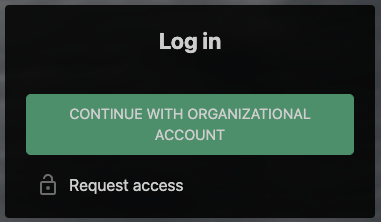
You will be redirected to your identity provider's sign-in page if you haven't logged in before. Sign in using your company credentials.
Note
Your RigFlow login is tied to your personal organizational email account. Your password is confidential and unique to you. If you have lost your password, please contact your organization's local IT support team so they can provide you with a new password for your email account.
In a browser, open the RigFlow at
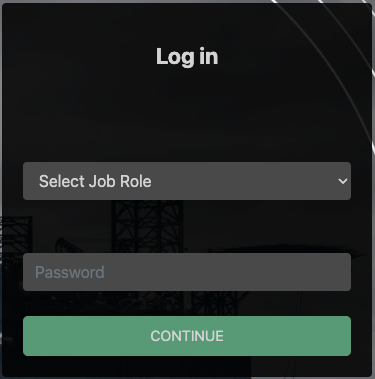
https://localinstance. Replacelocalinstancewith your organization's specific url.On the login page, select your job role from the dropdown menu labelled Select Job Role, input your password, and proceed by clicking on Continue.
Note
If you lack the password for the job role, email support@horizon56.io to request it or ask for assistance in our support chat by clicking  .
.
Your request will be approved by either an operator or a contractor, not Horizon56.
In your browser, enter your company’s RigFlow URL. For example:
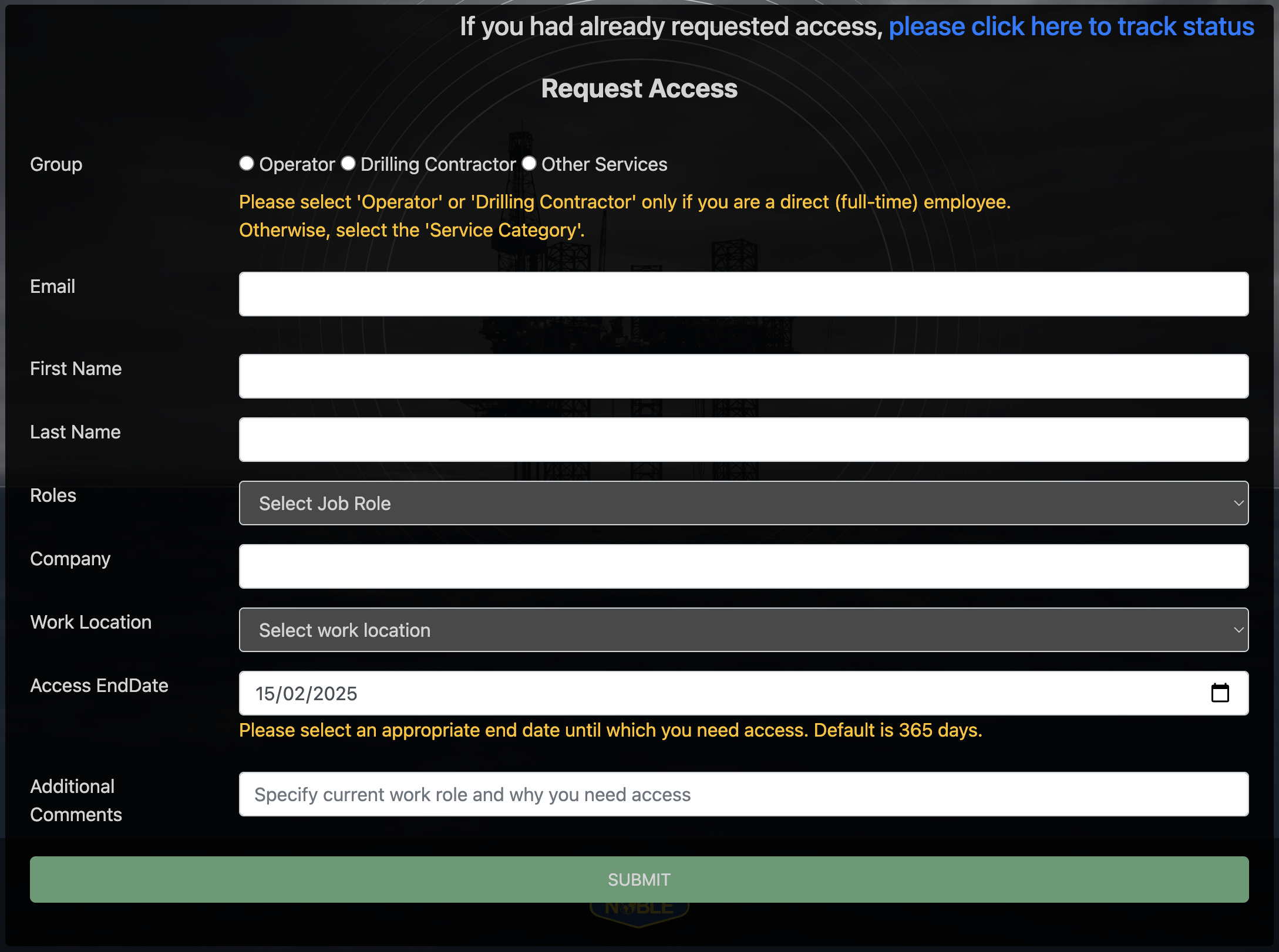
https://yourcompany.RigFlow.io. Replaceyourcompanywith your organization's specific subdomain.On the login page, click on the link Request access.
Fill out the form and click SUBMIT.
Note
If you've already submitted an access request and are awaiting status updates, you can find the tracking option under Request access and then click on please click here to track status.