Best practices for using preparations
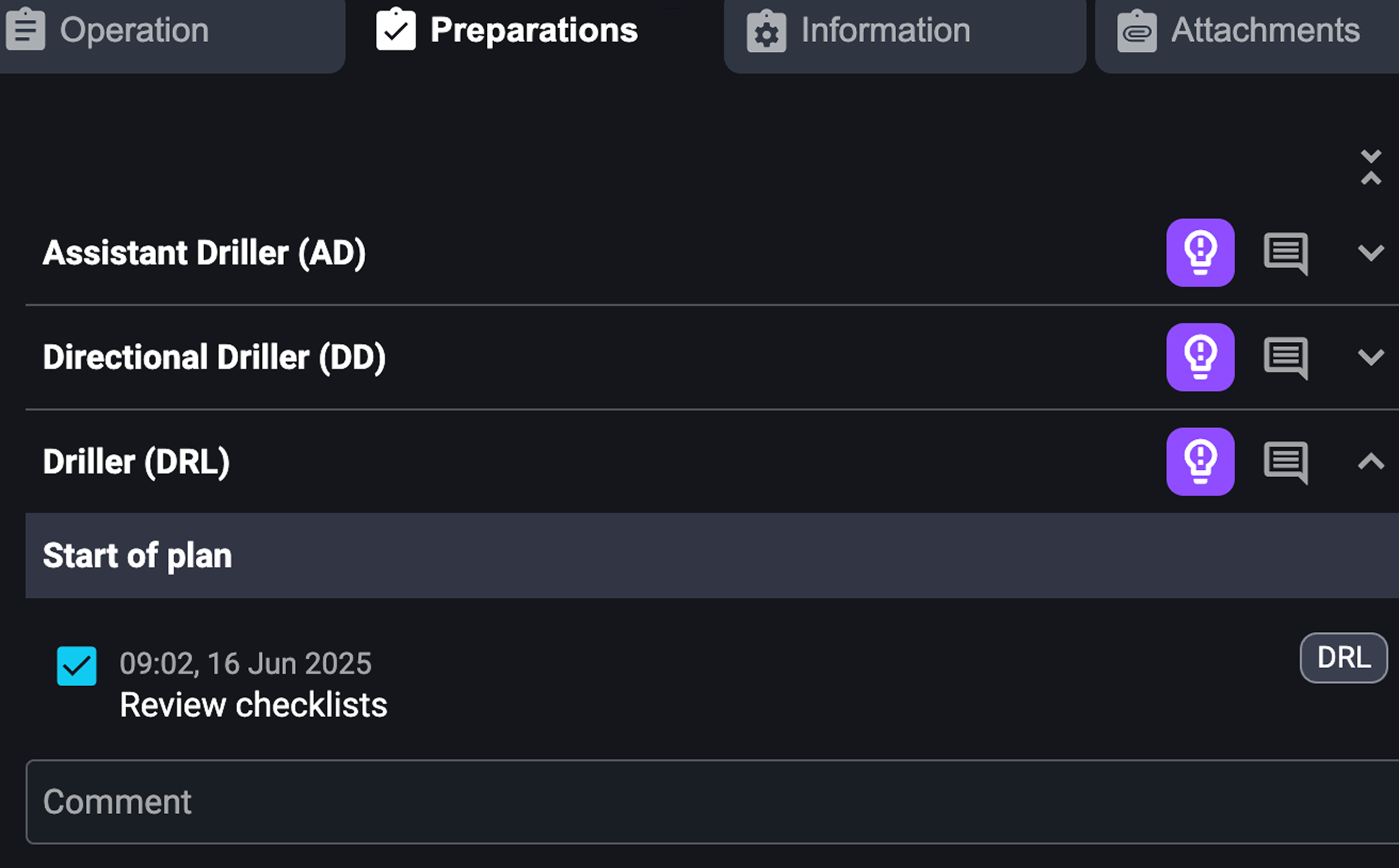
 Preparations in RigFlow are vital for making sure every preparation is executed safely and efficiently. This feature replaces outdated paper checklists with a transparent, real-time digital tool. It's designed for rig teams to confirm that all necessary checks are done before starting a plan. Read more about preparations here: Preparations
Examples
Basic preparations—though simple—are often the ones most easily forgotten. Preparations ensure they’re done and documented. Here are some examples:
Visual Inspections: Check if tools and equipment are staged and ready.
Safety Confirmations: Ensure areas are barricaded or permits are in place.
Task Coordination: Confirm services or equipment are mobilized.
Tips and tricks
Flexible Responsibility: Anyone with permissions (e.g., Driller, Toolpusher, or Assistant Driller) can complete preparations on behalf of others if needed.
Prompt but Not Restrictive: If a Driller tries to complete a step without finishing preparations, RigFlow prompts them without blocking progress.
Real-Time Updates: As soon as a preparation is marked, everyone sees the change, ensuring full transparency.
Best practices
Use the checklist daily: To avoid forgetting basic prep items (e.g., checking torque wrench), use the checklist daily and rely on the system's reminders.
Assign roles: To ensure no preparation is left incomplete due to unclear responsibilities, assign roles and use the role-based views.
Check upcoming preparations: Make it a habit to check upcoming preparations proactively to prevent delays, reduce safety risks, and make routine preparations easier to track and verify.