Up Next
The Up Next feature provides a quick overview of both current and upcoming operations. It gives users insight into the status of tasks and allows for better preparation by displaying future steps in the operational plan.
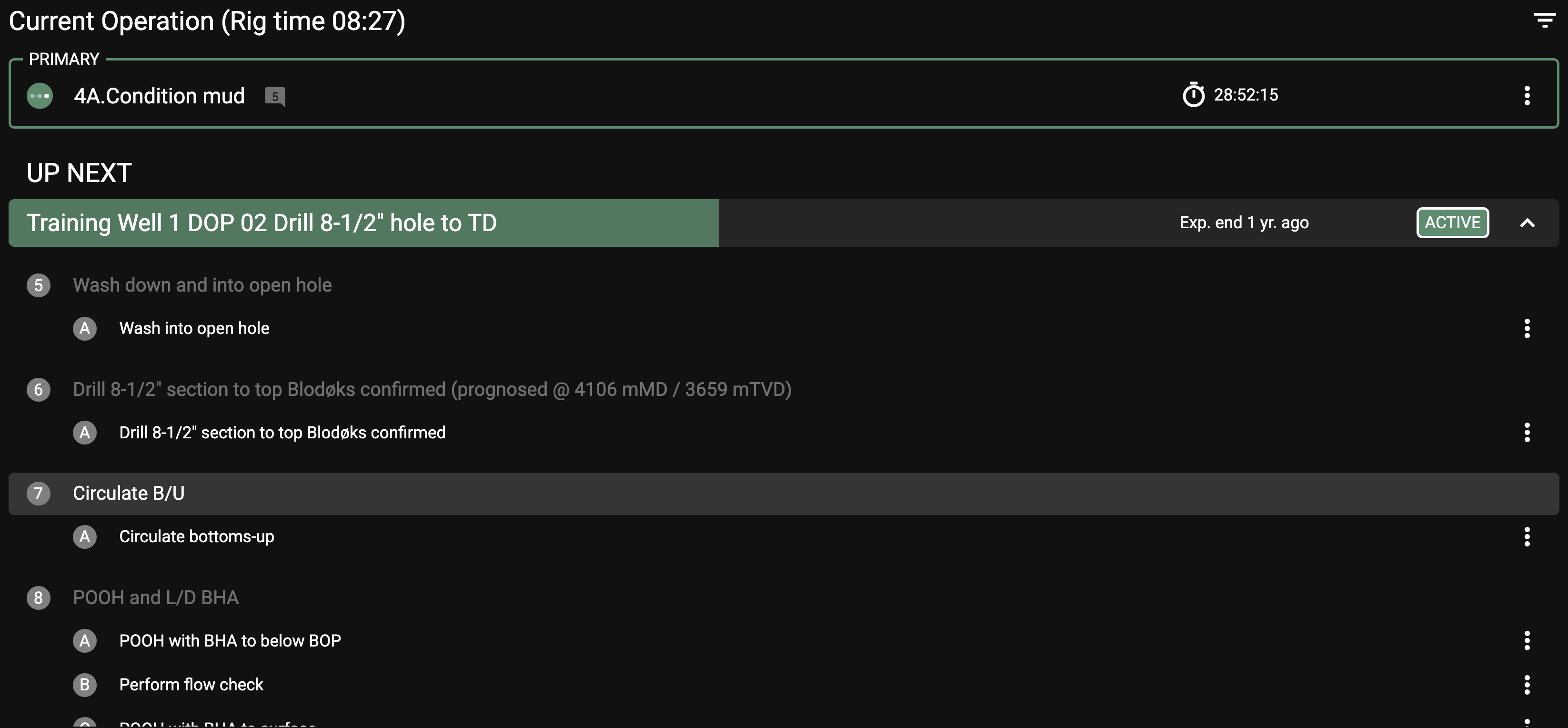
The Up Next interface is read-only and displays a concise list of operations, including currently running tasks and future planned steps. It provides critical information like the current step’s progress, the next step to be executed, and the bit depth.
The top portion of the display shows the current running steps or actions, along with the duration of each step and bit depth.
The lower section provides a list of the upcoming steps in the plan, including future plans that have been approved but not yet started. This helps ensure all team members are prepared for the next stages.
Examples of use
Example 1: During an ongoing operation, you check the Up Next application to confirm what the next step is, ensuring that the necessary preparations are made in advance.
Example 2: As a supervisor, you use the Up Next feature to keep track of approved plans that are scheduled to begin the following day, allowing you to allocate resources efficiently.