Plan Overview
Introduction
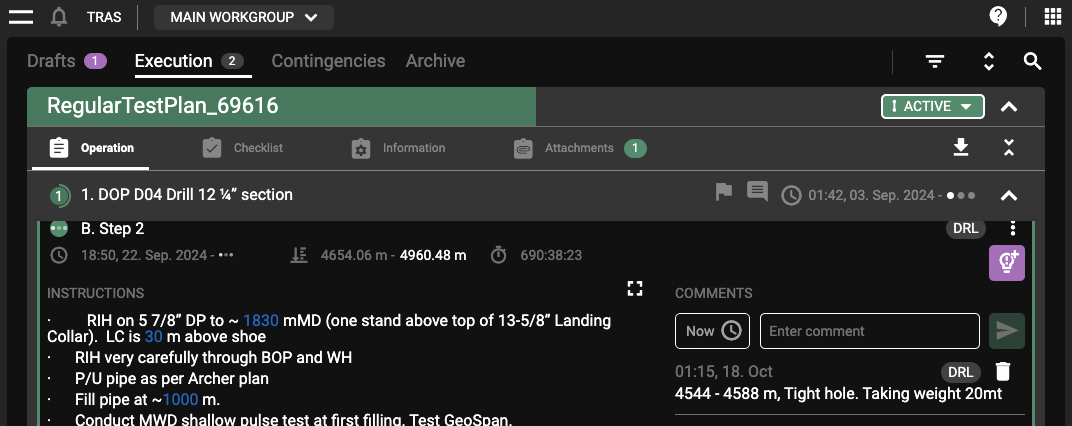
The Plan Overview in RigFlow is the command center for managing and overseeing well-construction operations. It consolidates key operational components like Execution, Drafts, Contingencies, and the Archive into a single interface. Each area is critical in ensuring smooth and efficient operations by providing a structured and organized view of current and upcoming tasks.
Overview

The Plan Overview has a user-friendly layout, with different sections accessible via tabs or drop-down menus. These sections include:
Drafts: Plans that are not yet approved for execution. For more information, refer to Drafts.
Execution: The current operational plan, detailing active steps. For more information, refer to Execution.
Contingencies: Pre-approved backup plans to address operational issues. For more information, refer to Contingencies.
Archive: Historical records of previous operations. For more information, refer to Archive.
Drafts
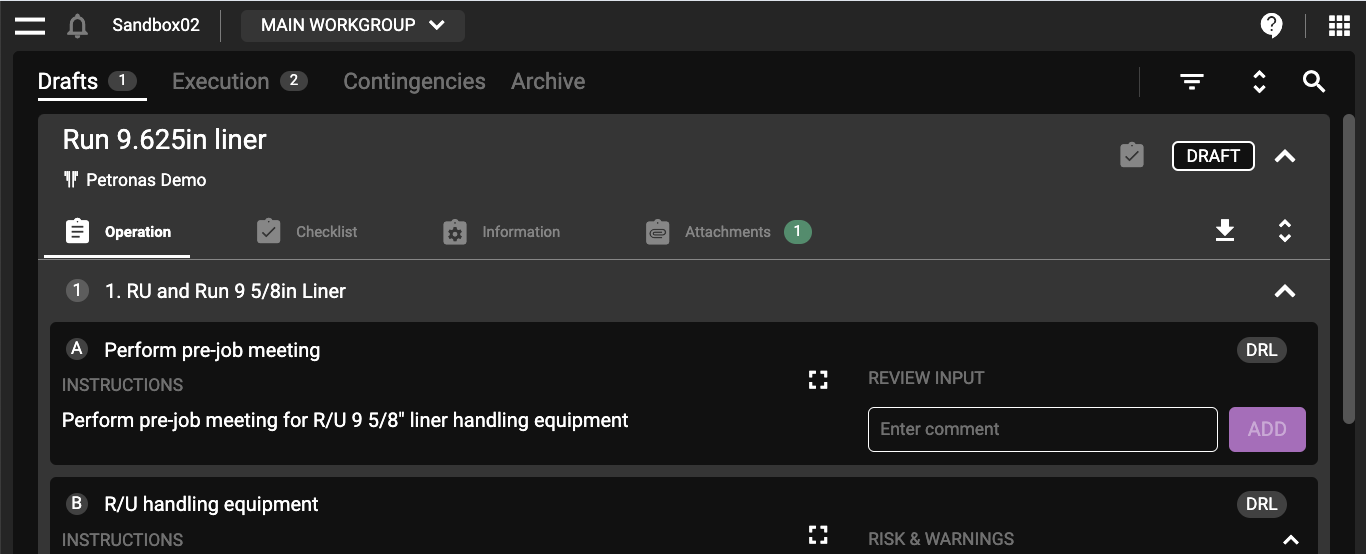
The Drafts section contains plans that have yet to be approved for execution. It allows authorized users to review these plans, provide feedback, and prepare them for final approval.
How to find Drafts
Access the Drafts section from the Plan Overview.
Review draft plans in a read-only format.
Provide feedback or add comments to help refine the plan before approval.
Generate a PDF version for offline review or sharing.
Used for
Early Review: Encourage early review of drafts to catch any issues before the plan is approved.
Execution
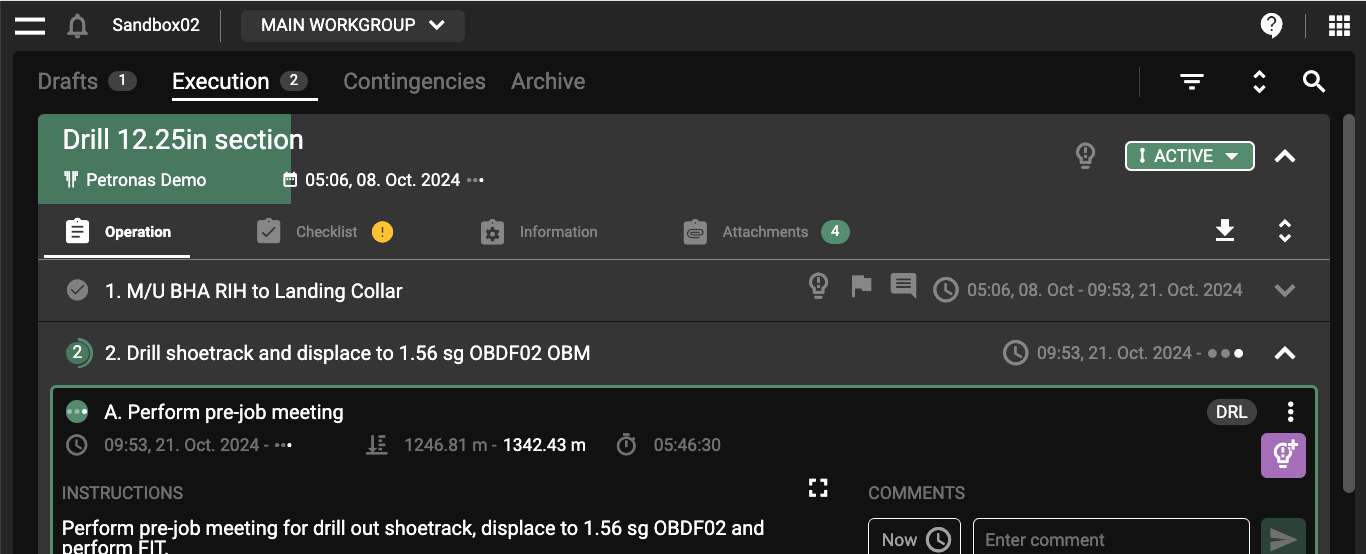
The Execution section displays all active, approved, and started plans. The drilling team primarily uses it to execute and monitor the current well construction steps.
How to find Execution
Access the Execution section from the Plan Overview.
Monitor active steps, including start/stop times, depth, and progress.
Execute operations and add comments or insights as needed.
Generate reports using the Generate PDF feature.
Contingencies
The Contingency section contains pre-approved alternative plans designed to address potential issues during operations.
How to find Contingencies
Access contingency plans from the Contingencies tab.
If an issue arises, start a contingency plan by selecting Start as Primary.
Execute the contingency plan like any other operation plan.
Used for
Proactive Use: Regularly review and update contingency plans to ensure they are relevant to the current operation.
Archive
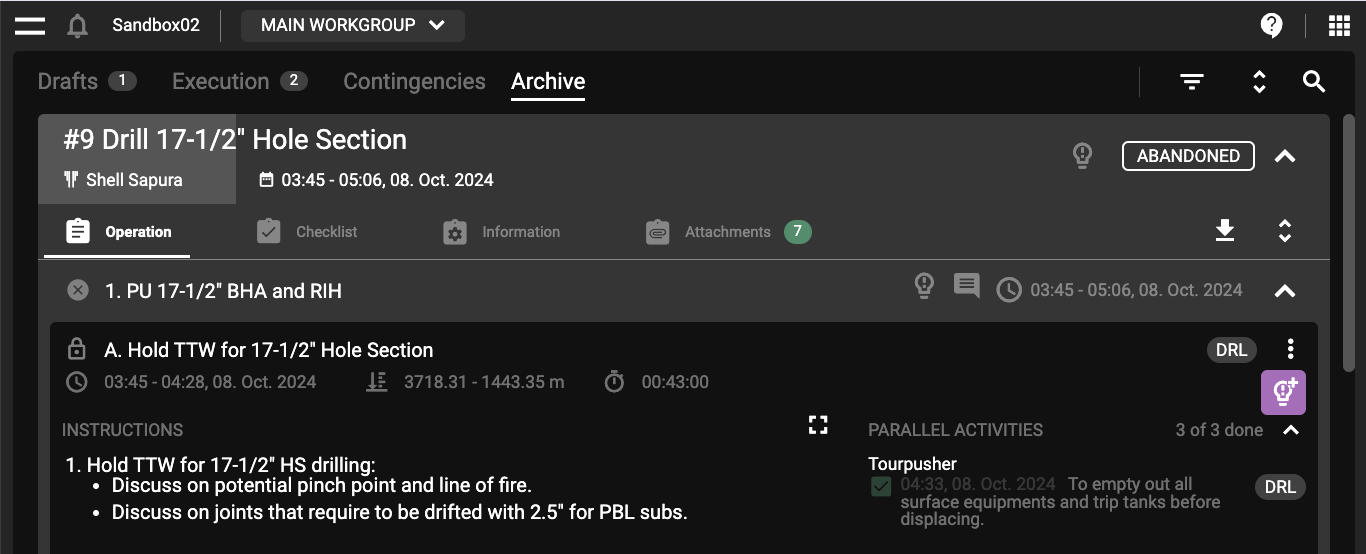
The Archive section provides access to historical operational data and previous drilling instructions.
How to find Archive
Access the archive from the Archive tab.
Use the search function to locate specific historical data.
View archived plans in a read-only format.
Export archived data as PDFs for offline storage or further review.
Used for
Learning from the Past: Use archived plans to gather insights and improve future operations.