Settings
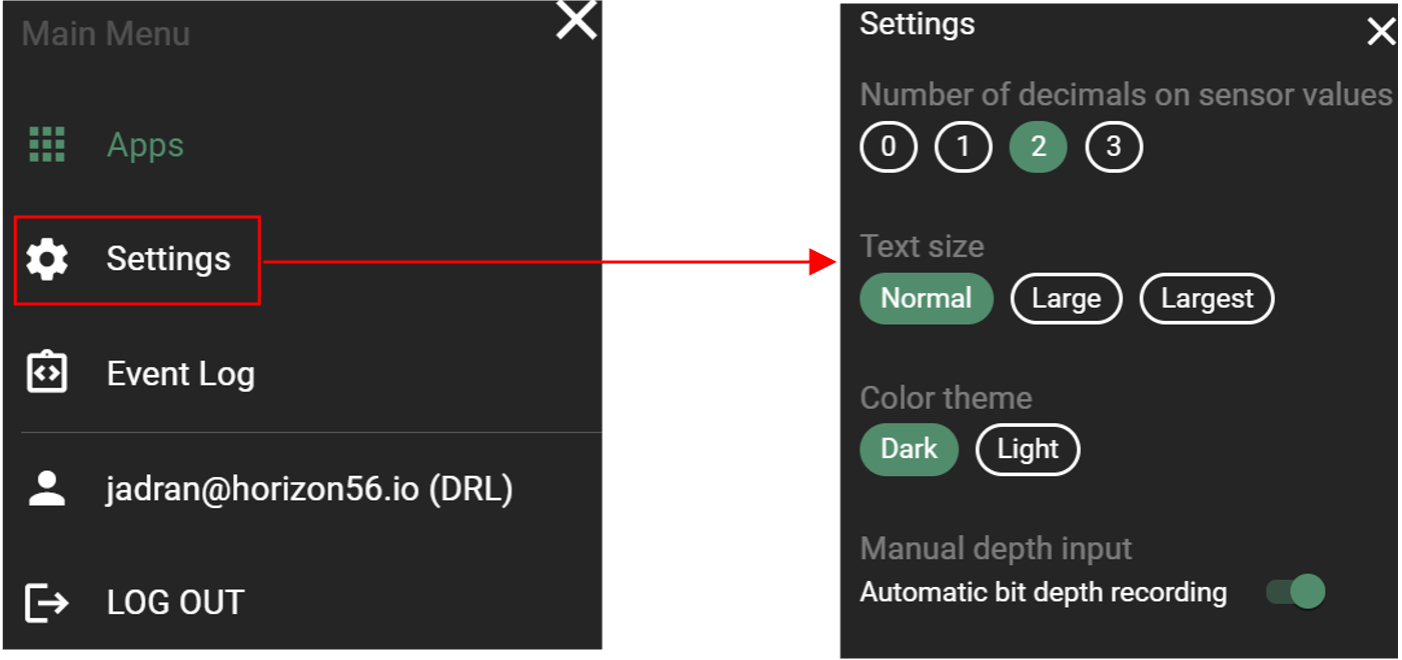
Customizing software settings allows users to personalize their experience, enhancing usability and accessibility. Examples include adjusting decimal places, changing text size, toggling light/dark modes, and setting bit depth reading. These options improve user satisfaction and productivity.
How to find Settings
Click on the
 menu icon in the top left corner of the screen and click Settings.
In the dropdown window you can find all available settings for RigFlow.