Change Log
The Change Log is designed to track and display changes related to the RigFlow system and content. It helps users monitor updates, modifications, and other relevant events in the system.
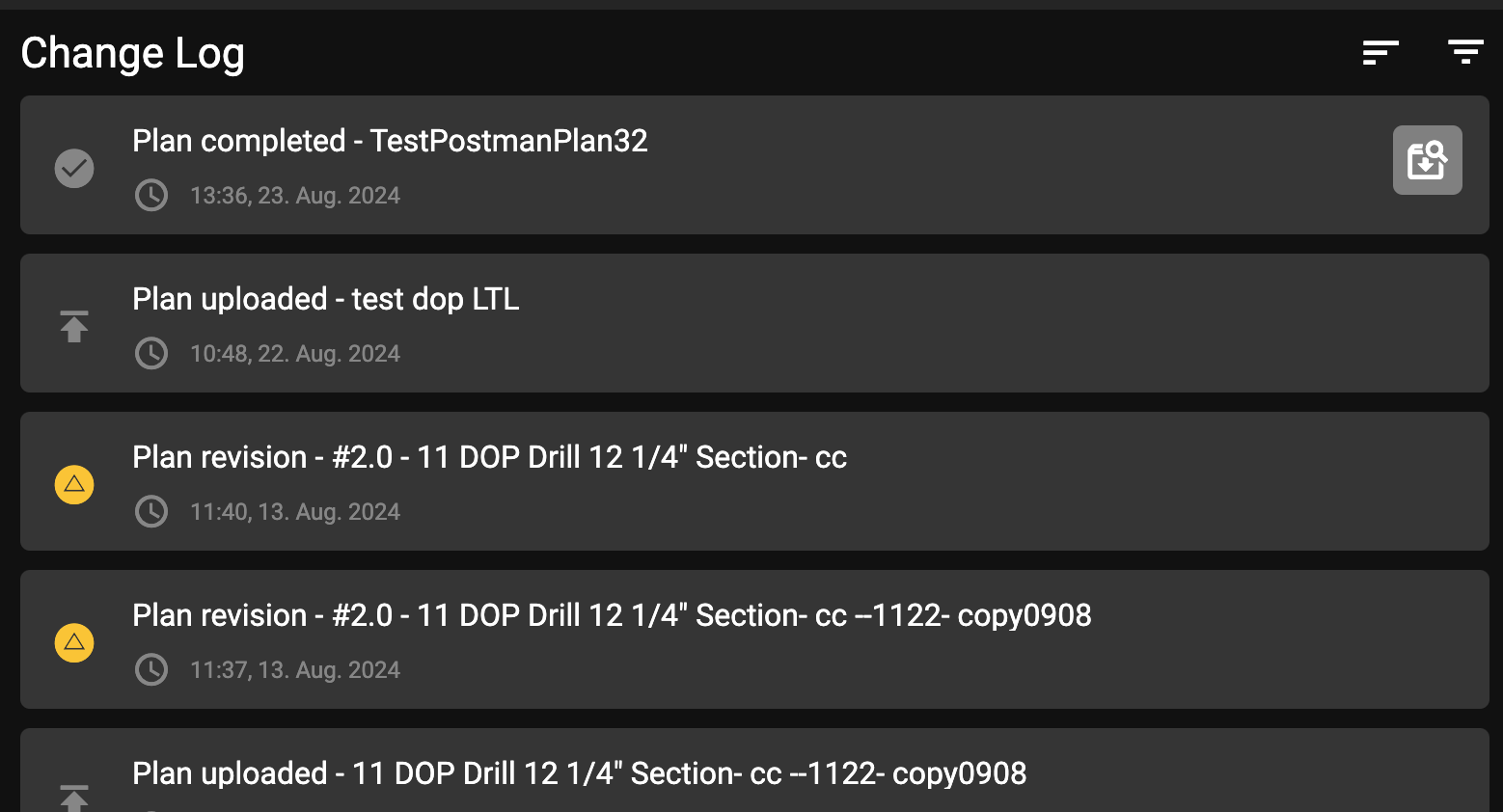
The  Change Log can be accessed through the
  Application menu. The main page displays a running log of events in a list format. Each entry briefly describes the event, such as new plans uploaded, plan changes, actions added, or plans completed or abandoned.
Filters in the Change Log
The Change Log offers several filtering options to help you quickly locate specific information. You can access the filters using the  Filter icon.
Event Type Filter: Allows users to filter entries based on the type of event recorded, including Plan completed, Plan abandoned, Plan rejected, Plan uploaded, Plan revisions, and Attachments.
Time Range Filter: This feature enables users to filter log entries based on a chosen date and time range. It is ideal for viewing changes made within specific periods, such as the last 24 hours or during a specific operation.
Plan revisions
When a plan is updated, a new version is created, and the previous version is stored in the system. Each version is timestamped and includes details about the changes and modifications in a plan.
Go to the Change Log and find a
 Plan Revision entry.
Click on the
 arrow-down icon on the right side of the plan entry to expand the comparison view.
The plan will display highlighted text in different colors:
White: Indicates text that has not been changed.
Green: Represents text that has been added to the plan.
Red with strikethrough: Shows text that has been removed from the plan.