Well view for execution
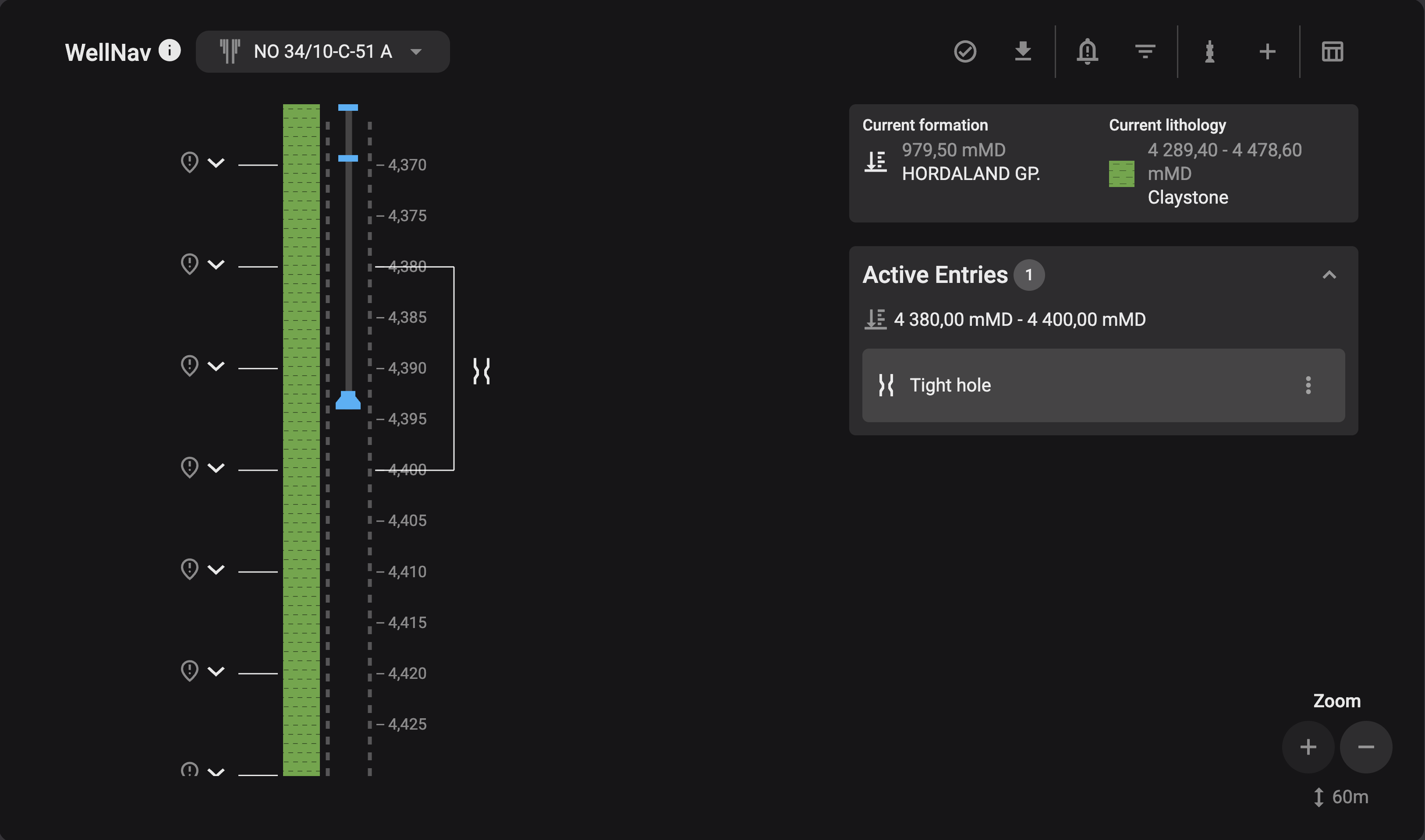
The Well View is optimized for use during operational execution. It offers a visual layout of all entries along the wellbore, with the string and points of interest depicted for easy reference.
Note
To maintain simplicity, all wellbores, including deviated ones, are depicted as vertical.
Wellbore: Hover over lithology entries to see detailed descriptions.
Current formation/lithology: The active formation or lithology is displayed prominently.
Zoom: Zooming out group entries for a broader perspective.